01 / Create a recurring task
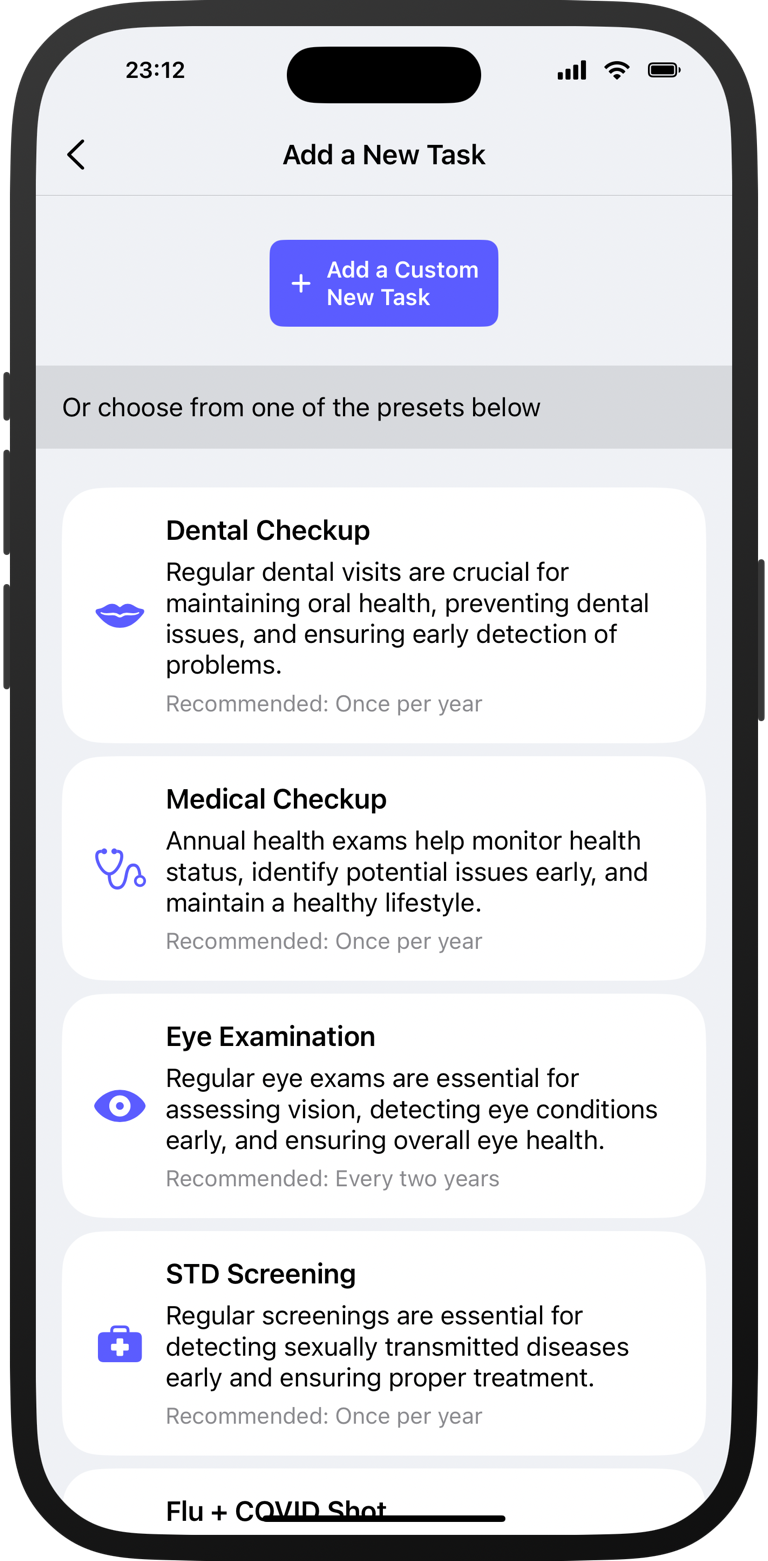
Start with a preset.
Or add your own task.
Give it a name, choose an icon, and set how often it repeats. Presets include bedsheets, filters, checkups, and plants.
Recurring task tracker for iPhone
Bedsheets every 2 weeks. A water filter every 3 months. That checkup you keep putting off. Dueful remembers when you last did it and when it’s time again.
Not another to-do app. Recurring tasks, without the productivity circus.
Mark it done. The next date starts from that completion.
5 tasks free · Full completion history · No account
Interactive example · Try marking a task done
Schedules based on actual completions
For an “every 2 weeks” task, Dueful counts 2 weeks from when you actually complete it. You don’t have to adjust the next date yourself.
The completion also stays in your history.
15 October + 14 days = 29 October.
Inside the app
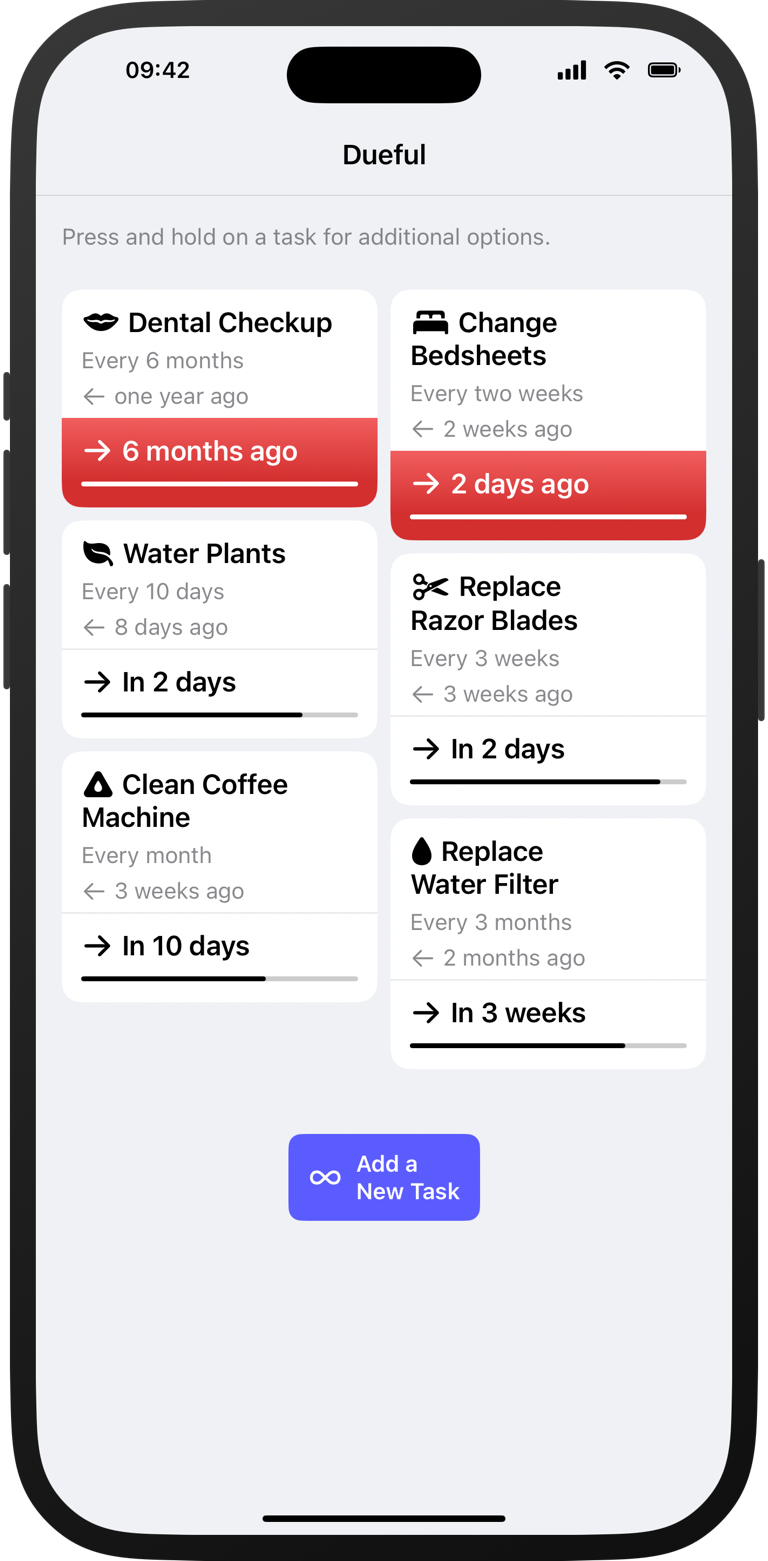
See what needs doing, when you last did it, and what’s coming up.
01 / Create a recurring task
Give it a name, choose an icon, and set how often it repeats. Presets include bedsheets, filters, checkups, and plants.
02 / Check what needs doing
Each task shows its repeat rule, last completion, and next due date together. You can see how long it’s been and what needs attention now.
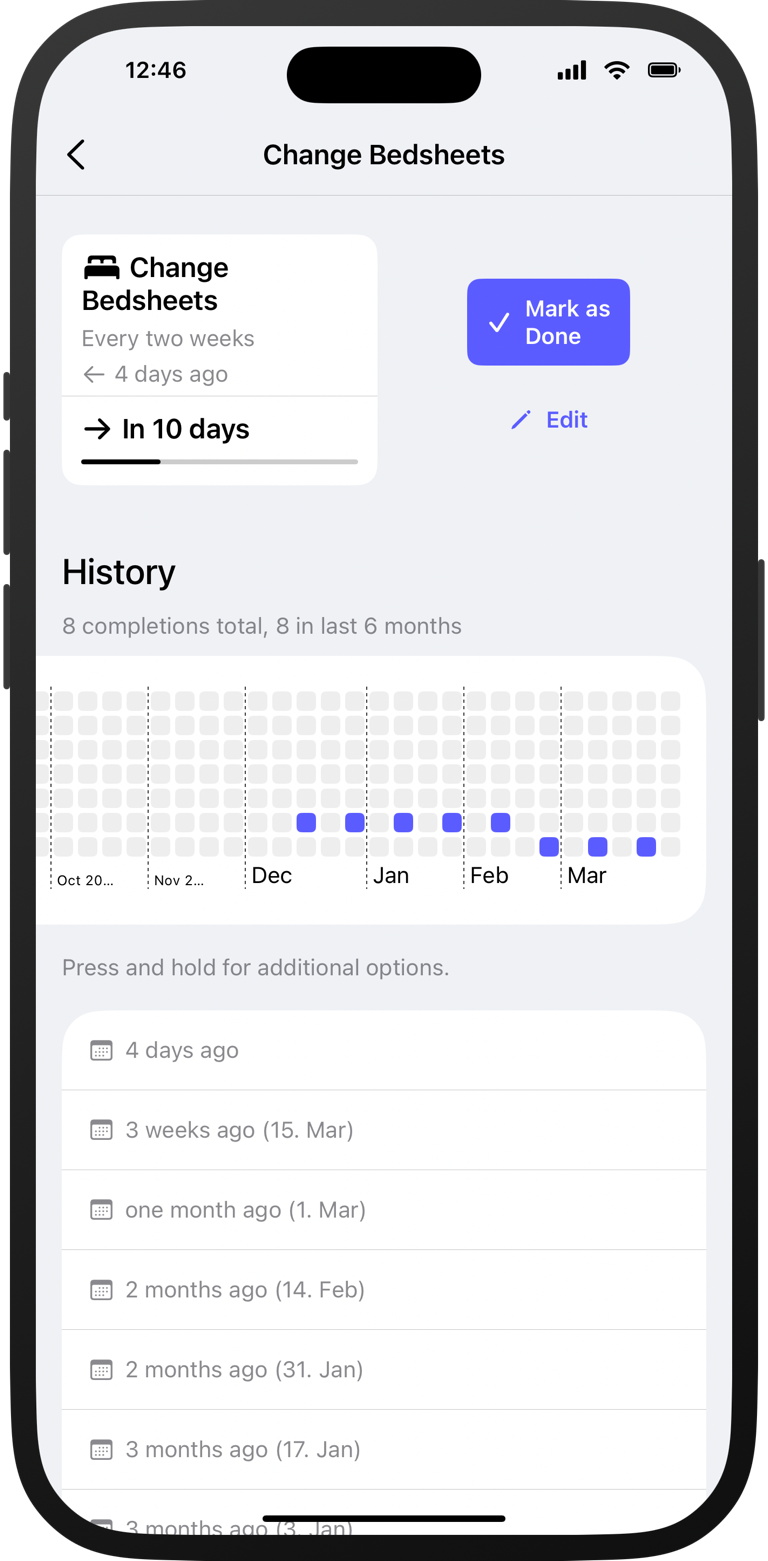
03 / Record what you did
Dueful records the completion and calculates the next date. Add a note, look back at past completions, or correct an entry.
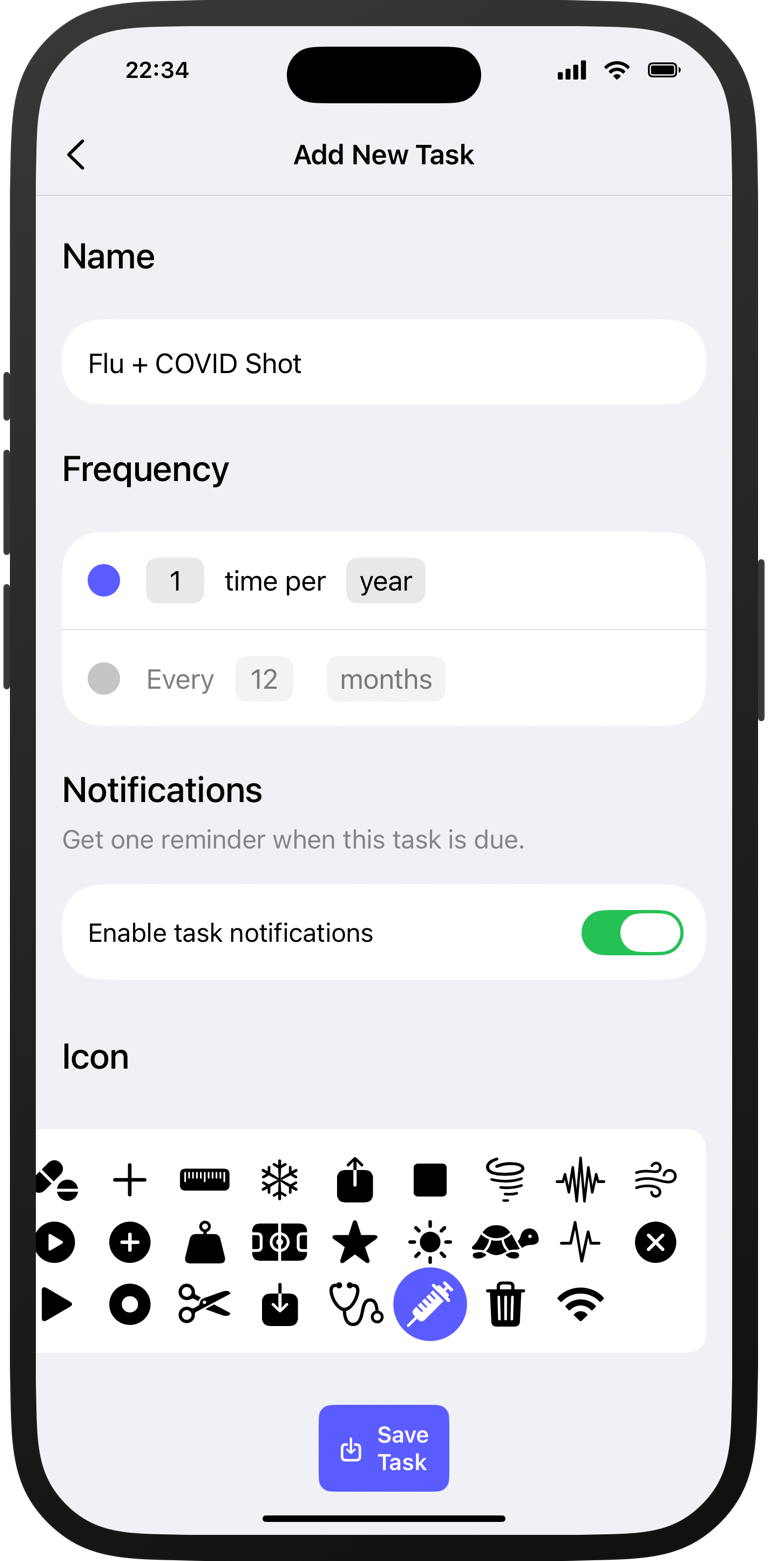
04 / Adjust each task
Choose an “every” interval or a “times per” schedule. Enable a reminder for the tasks you want a notification for.
More ways to keep track
Keep due tasks visible and check when you last completed them.
Home-screen widgets keep due tasks in sight, before you even open the app.
Choose which tasks need a notification. Dueful schedules a local reminder when each one becomes due.
Your completion history is always there. Look back, add a note, or correct an entry.
Your task list lives on your iPhone. No account to create. No task sync to our servers.
Our privacy policyBefore you download
Apple Reminders is a general-purpose to-do app with recurring reminders. Dueful focuses on the things you need to do again: each task puts its last-done date, next-due date, and full history together. It answers “When did I last change the filter?” as well as “When should I do it again?” For an “every” interval, the next date starts from when you actually do the task.
Yes. Start with a preset or create a custom task. Choose the interval that works for you, from every few days to every few months or years.
No signup needed. Your recurring tasks and completion history are stored on your iPhone. The app uses analytics and crash diagnostics to help us improve it; you can read the details in our privacy policy.
Yes. Use up to 5 tasks for free, with reminders, repeat schedules, and your full history. Need more tasks? Dueful Pro removes the limit.
You choose. Dueful Pro offers monthly and yearly subscriptions, plus a lifetime option with a single payment. Subscriptions renew automatically until you cancel; the lifetime option has no recurring charge. All three unlock unlimited tasks. You’ll see your local price and payment terms in the app before purchasing.
Free for up to 5 tasks
The bedsheets, the filters, the checkups. Know when it’s time again.

Free to start · No account needed · Made for iPhone